Jump into your next project and generate concepts quickly with this Lo-Fi wireframing kit. Inspired by the analog process of paper prototyping, each component has been crafted to take a backseat to the overall experience you're aiming to create.
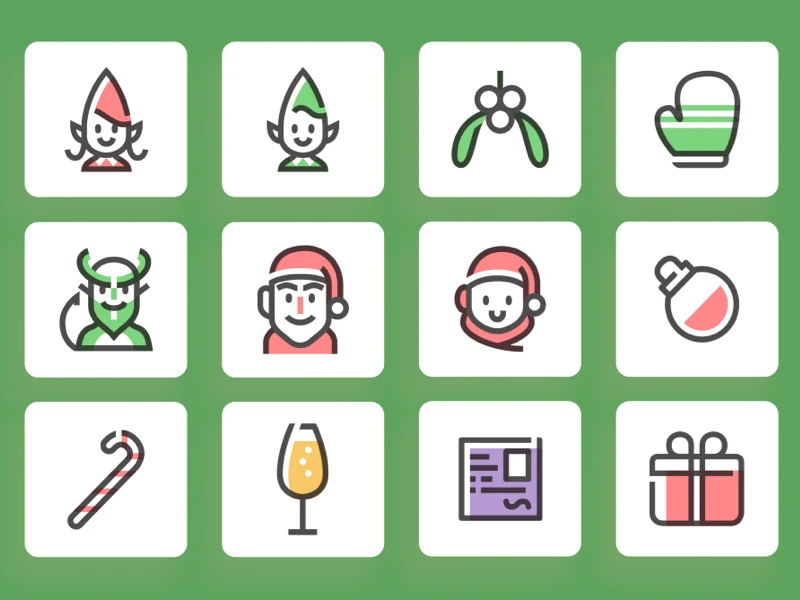
In the spirit of the upcoming season we have this free Christmas vector graphics pack containing up to 30 new icons such as: scarves, ugly sweaters, hats, reindeer antlers and more.
Meet Material Design 3, Material Design’s most personal design system yet. The Material 3 Design Kit provides a comprehensive introduction to the design system, with styles and components to help you get started.
Now with Dynamic Island! This file contains hundreds of components, templates, demos, and everything else needed to help you start designing for iOS. Each component has been created with the latest version of Auto Layout, supports Component Properties, variants, Light and Dark Mode, and much more.
Access over 800+ pixel-perfect Figma components to improve your Figma → Webflow workflow. You can use this Figma Kit in unlimited projects. These components are designed to be as neutral, flexible, and scalable as possible to use as a kick-starter for any project.
This fashion website showcases a modern and vibrant layout that emphasizes user engagement and easy navigation. With a clean aesthetic and bold typography, it highlights unique clothing options, trendy new arrivals, and promotional offers.
The ultimate icon library for Figma. A clean, consistent, and neutral icon library crafted specifically for modern UI design. Made for Figma, in Figma.
Created in Figma, for Figma users. These mockups were made from scratch in Figma to support components and variants. Just choose the iPhone model, then pick a color from a list of official color presets in the variants menu.